---
updatedAt: 2025-07-15T08:36:23.000Z
agentTools:
projectIndex: https://docs.appery.io/llms.txt
---
# Social Networking
Ionic *Social networking* Plugins
> 👍 Important Note!
>
> Note that before you start, you will need to make sure you have an account with the social media platform you wish your app to connect to and your user name and password are valid.\
> You can also check our documentation to learn more about how to create your app on the OAuth provider side [here](https://docs.appery.io/docs/social-login).
# *Facebook Login*
{`
`}
You can quickly add the social login feature to your Appery.io app by using this ready-to-go **Facebook Login** plugin.\
Please check our sample app that shows how to do it [here](https://docs.appery.io/docs/ionic-5-facebook-login-plug-in-app).\
We also offer a detailed video tutorial explaining how you can add authentification via Facebook into your mobile application:
{`
`}
# *Google Login*
{`
`}{`
`}
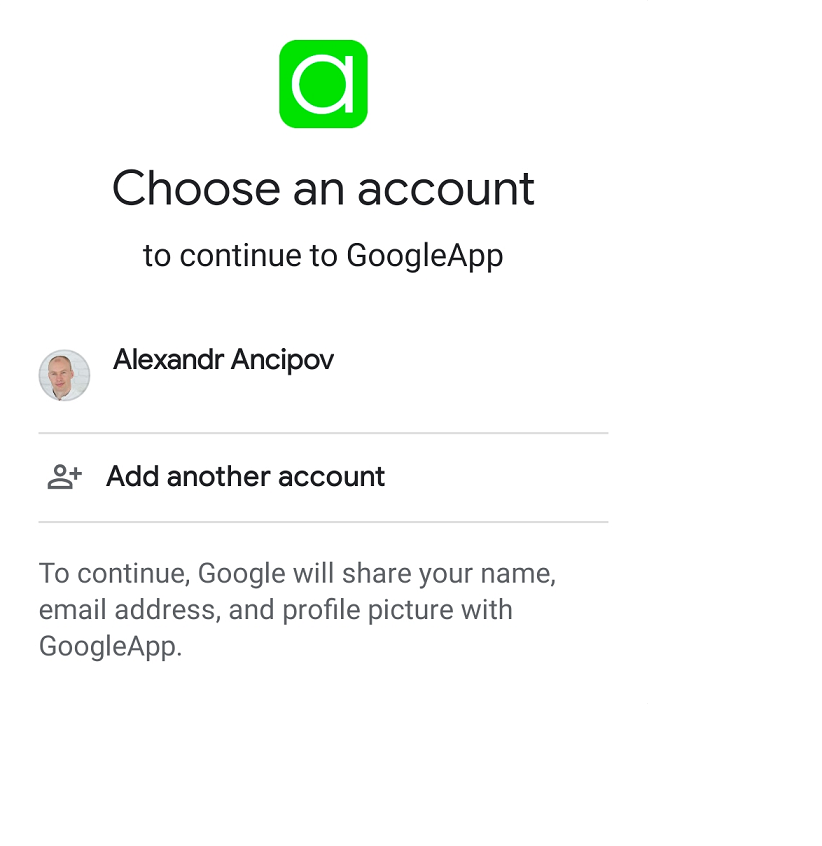
If you need to add the Google login feature to Android and iOS applications built on our app development platform try our **Google Login** plugin.\
For detailed instructions about how you can do it, check this video tutorial:
{`
`}
# *Social Sharing*
{`
`}
Consider adding the **Social Sharing** plugin to enable the native sharing window of your mobile device to share text messages, images, and links to your social network account.\
Our video instructions will help you sort out how to do it:
{`
`}
 `}
 `}
 `}